
TV Sizing Guide: Matching a 65, 75, or 85-Inch Screen to Your Wall
Viewing distance, wall proportions, and the SMPTE / THX guidelines applied to UAE apartment dimensions. How to choose a screen that looks right against the wall and from the sofa.
by Walora Design TeamUpdated 10 min read
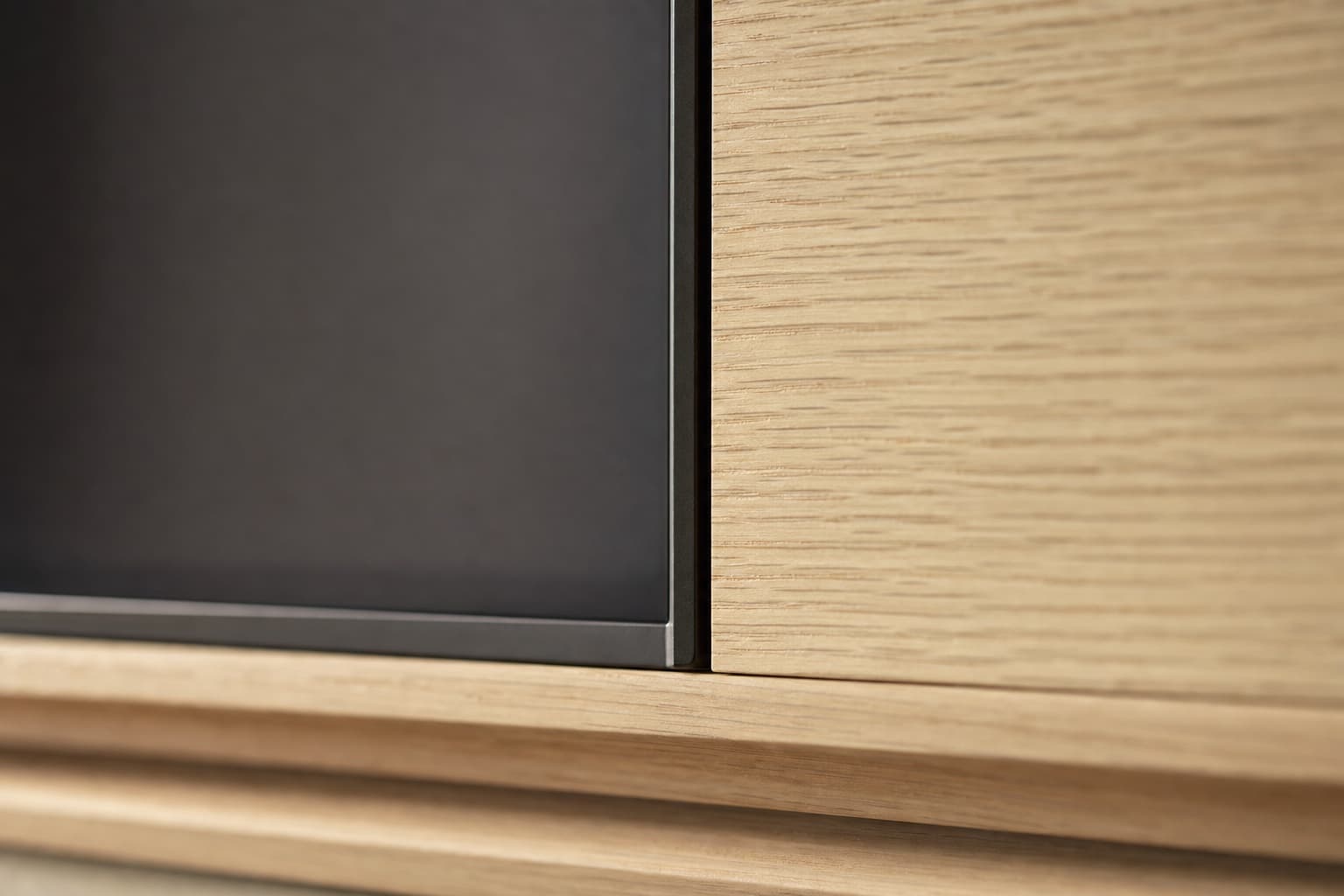
The TV size question gets asked at every design consultation and gets answered badly more often than it should. This is the version backed by the SMPTE viewing-distance guidelines and tuned for UAE apartment realities.
The right viewing distance has changed
Older guidelines (the kind printed on TV boxes a decade ago) suggested viewing distance equal to twice the screen's diagonal. That guideline was built for 1080p content on 1080p screens, where sitting closer revealed compression artefacts.
4K resolution changes the maths. Modern 4K content rewards closer viewing because the pixel density is high enough that you can sit nearer without seeing individual pixels. SMPTE (the international cinema standards body) recommends a viewing distance of roughly 1.0–1.5× the diagonal for full 4K immersion.
In practical UAE apartment terms:
For most UAE apartment living rooms — sofa about 3 metres from the TV — the optimal range covers 75 to 85 inches. Smaller than 75 is usually leaving viewing immersion on the table; larger than 85 stops fitting the wall in most apartments.
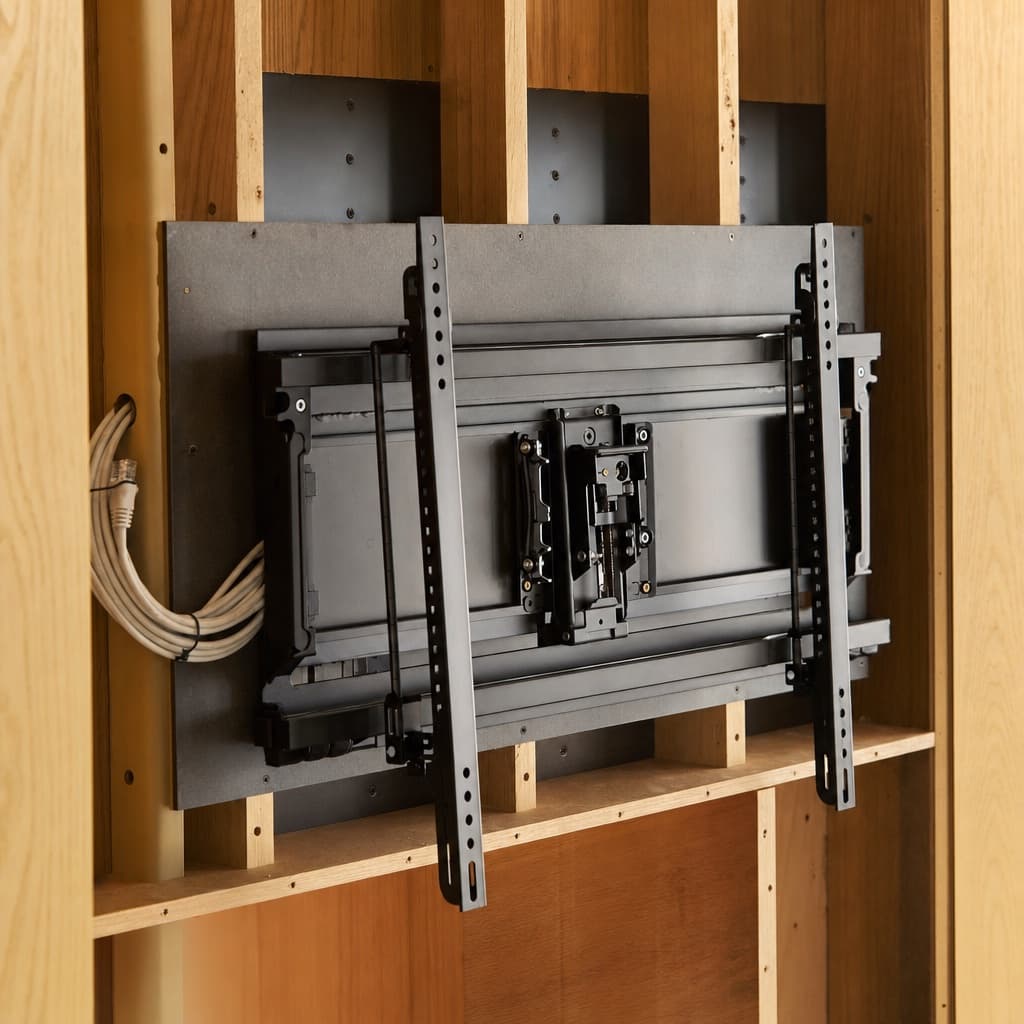 A heavy-duty tilting TV wall mount installed on a structural backing plate within a partially-built media-wall cavity.
The wall-proportion rule
The TV should visually occupy 50–70 percent of the media wall's width. This is the proportion that reads as "the wall is built around the screen" rather than "the screen is hung on the wall."
Numerically, for common UAE wall widths:
- 3.0m wall → TV width should be 1.5–2.1m → 65" to 85" (75" is the sweet spot)
- 3.5m wall → TV width 1.75–2.45m → 75" or 85"
- 4.0m wall → TV width 2.0–2.8m → 85" or 98"
Smaller than this range and the TV looks lost in a vast wall; larger and the wall design becomes a frame around the TV with no breathing room.
Mounting height — the most violated rule
The single most common error in DIY media walls: TV mounted too high.
The correct rule: screen centre sits at seated eye level. For an average sofa with seated eye height of 105–115cm above the floor, the screen centre should sit at 105–115cm. For a 75-inch TV (height roughly 95cm), this puts the bottom edge at about 58–67cm and the top edge at about 153–162cm.
This is meaningfully lower than buyers expect. Mounting a TV with its bottom edge at 100cm — a common DIY choice — puts the screen centre at 148cm, well above seated eye level, causing neck strain during long sessions.
The exception: dedicated home cinema setups with reclining seating, where the eye is lower and looking slightly up is correct. For standard living rooms, eye-level centre is the rule.
Above-fireplace mounting — when it works and when it doesn't
Built-in fireplaces are increasingly common in premium UAE media walls. The TV-above-fireplace question becomes immediate.
It works when:
- The fireplace is low (top edge under 90cm from floor)
- The TV is small enough that its centre still sits under 130cm
- The viewer reclines (longer sofas with reclining seats common in cinema-style rooms)
- A tilting mount angles the screen downward
It doesn't work when:
- The fireplace top is over 100cm from floor
- The screen centre ends up over 140cm
- Viewers sit upright on a standard sofa
The fix when the geometry is wrong: design the fireplace lower (under 90cm top edge), choose a slightly smaller TV (so its centre stays low), or move the fireplace to a different part of the wall and keep the TV at proper height.
The right mount, in detail
The mount is the single point of failure in any media-wall TV installation. A premium mount:
- Load rated 2× the TV's weight. A 75-inch OLED is about 30 kg dressed; mount rated 60 kg minimum.
- Tilting capability. Up to 15° downward tilt for slightly high mounting positions, or angle adjustment for ambient light reflections.
- Pull-out and swivel. Even if you never use it daily, this is essential for installing/replacing cables, dusting behind the TV, and serving the TV mount itself.
- Concealed when not extended. A premium mount sits flush against the wall when stored.
- Structural backing in the wall. The mount fixes to a 18mm plywood or steel backing plate built into the media wall, not directly into the cabinet face.
Reliable brands: Vogel's (Netherlands), Sanus (US), Erard (France), Multibrackets (Sweden). Avoid cheap online generic brands even when the load rating matches — the failure mode is the swivel joint developing play, then sag, then drop.
Soundbar sizing too
The soundbar should match the TV in visual width, roughly. A 75-inch TV is 166cm wide; a soundbar between 130cm and 170cm matches naturally. Significantly shorter soundbars look stranded under a wide TV; significantly longer ones look added on.
Premium soundbars (Sonos Arc, Bang & Olufsen, Sennheiser Ambeo, Devialet) come in widths designed for common TV sizes. Cheaper soundbars are often a single standard length regardless of TV — making the proportion wrong.
A premium media wall integrates the soundbar — either sitting on a dedicated shelf at the right height, recessed into the cabinetry to be flush, or mounted to the same plate as the TV.
The honest size answer for typical apartments
For UAE buyers, the no-overthinking answer:
- 2-bed apartment, ~3.2m living room wall, sofa 2.8m away → 75-inch TV.
- 3-bed apartment or townhouse, ~3.8m wall, sofa 3.2m away → 75 or 85-inch TV.
- Villa, large open-plan living, ~4.5m wall, sofa 3.8m away → 85 or 98-inch TV.
Within these ranges the experience scales with size; bigger is generally better up to the point where the wall stops fitting. The constraint is almost always wall width rather than viewing distance.
What to send to your designer
If you've decided on a TV before the wall design starts, share with the designer:
- TV brand, model, year, screen size
- Exact dimensions (height × width × depth without mount)
- Mount you intend to use (or ask the supplier to specify)
- Connections required (HDMI count, ARC port location, USB, power)
- Whether you'll use a TV stand or wall-mount
Designs built around a specific TV always integrate better than designs built around a "75-inch placeholder." If you haven't chosen yet, decide between two or three candidates before final design sign-off — switching from 75 to 85 after fabrication has started is a meaningful change.
Frequently asked questions
About the author
The Walora Design Team has been crafting custom media walls for UAE homes since 2024 — every piece built to order in our Dubai workshop from real natural stone, premium stained wood veneers and bin-matched LED.
Related reading
Planning Your Space9 min read
Soundbar Integration in Custom Media Walls: The Right Way
Three integration approaches: dedicated shelf, recessed flush, or invisible-grille. How to choose, what each costs, and which soundbars work best in each.
Planning Your Space10 min read
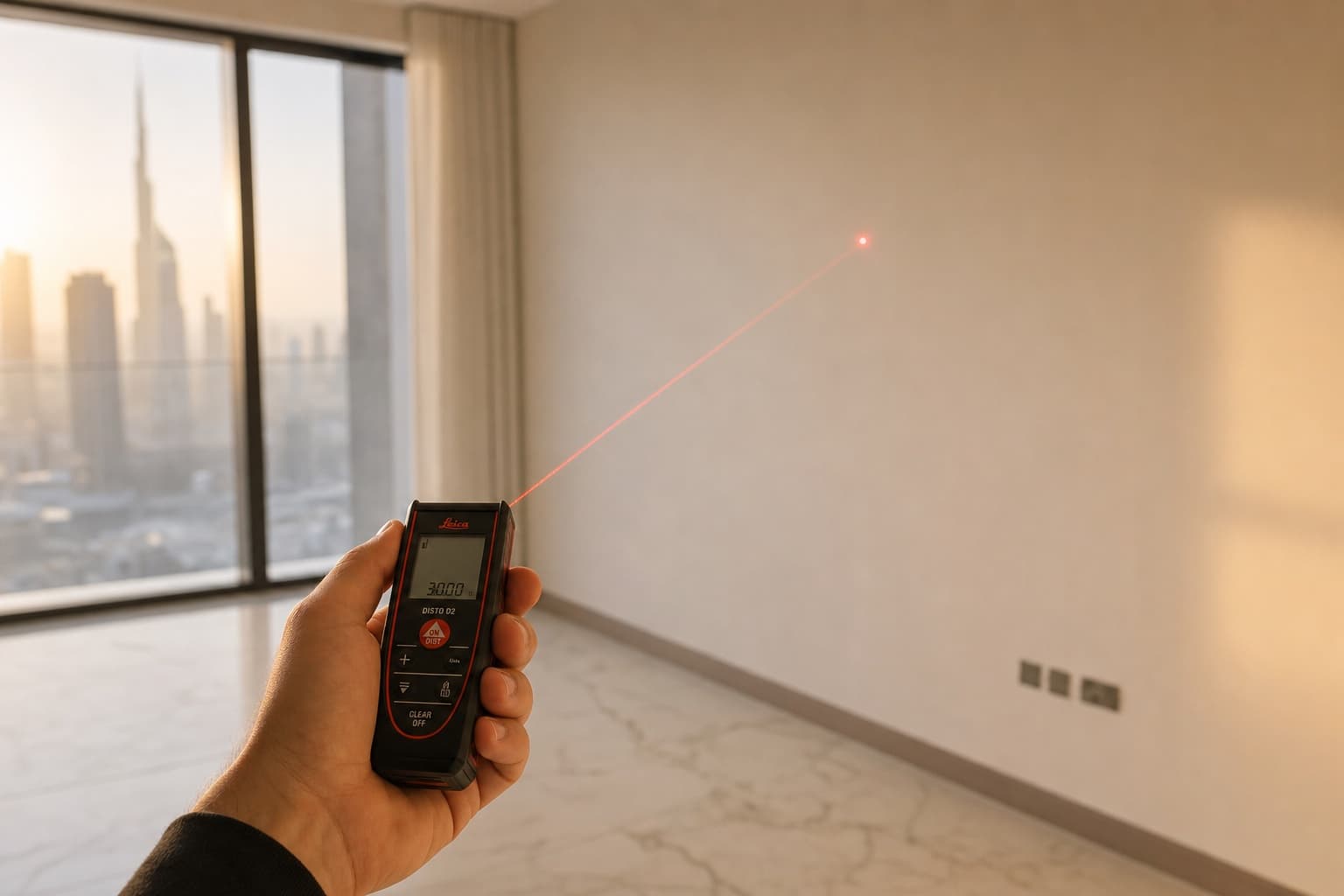
How to Measure Your Wall for a Custom Media Unit (Step-by-Step)
A measuring guide good enough to ground-truth a designer's site visit. Tools, sequence, what to record, and the four mistakes that delay 40% of projects.
Planning Your Space11 min read
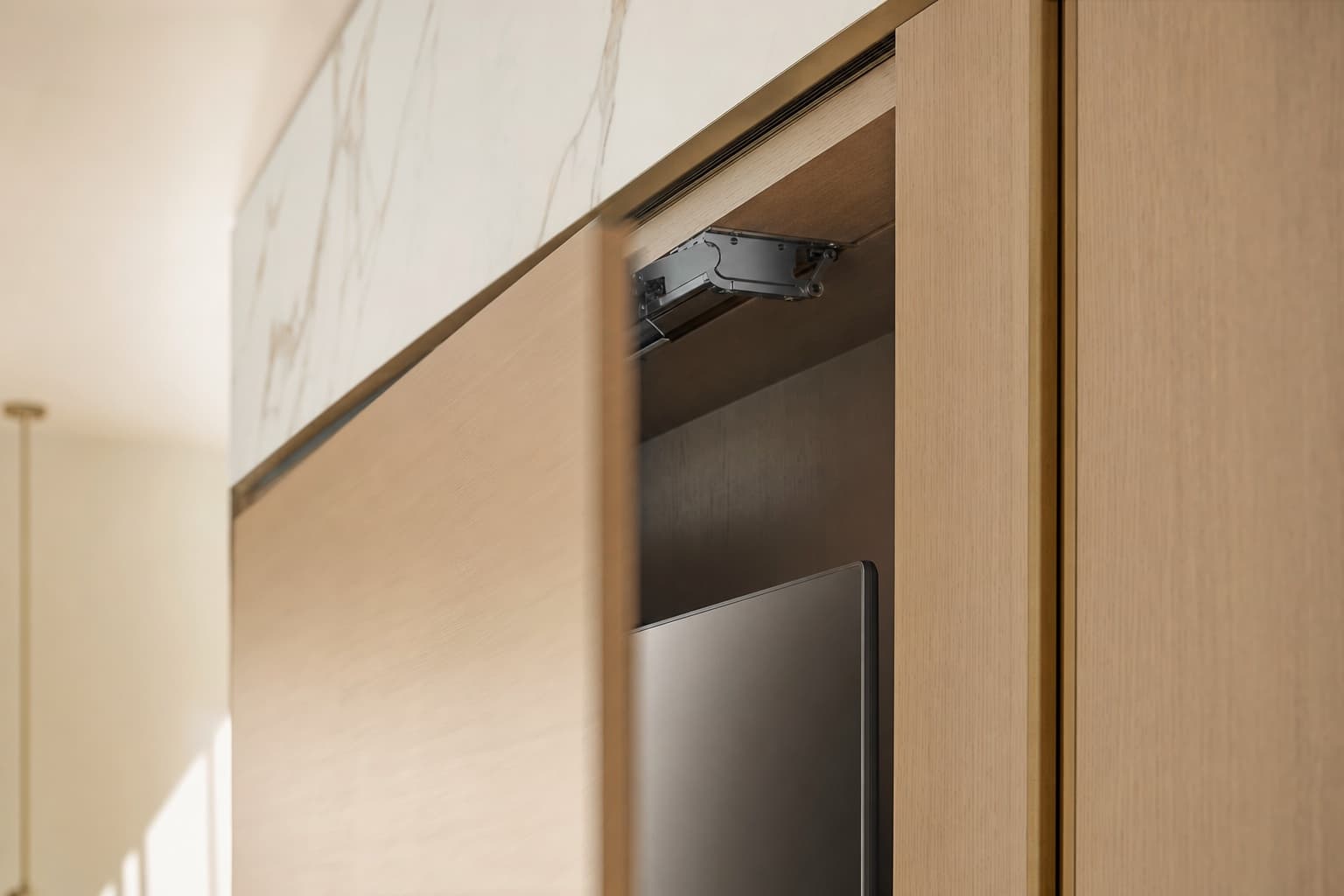
How to Hide a TV in a Media Wall Without Compromising the Picture
Disappearing screens, art-mode displays, hidden compartments, sliding panels — the four ways to remove the TV from view, and what each one trades off.